How to Program RFID Tags? A Practical Beginner’s Guide (2025)
Summary
RFID tags are used everywhere today—from warehouse pallet tracking to hospital laundry systems and access control cards. Many people who start an RFID project ask the same question:
How do I program RFID tags?
In this guide, I’ll walk you through what you need, the programming process, the differences between tag types, how to use phones or computers to write data, and how to avoid common mistakes.
Whether you’re an engineer, a technician, or simply learning about RFID for the first time, this step-by-step guide will help you understand how programming works in real-world use cases.
What Does It Mean to Program an RFID Tag?
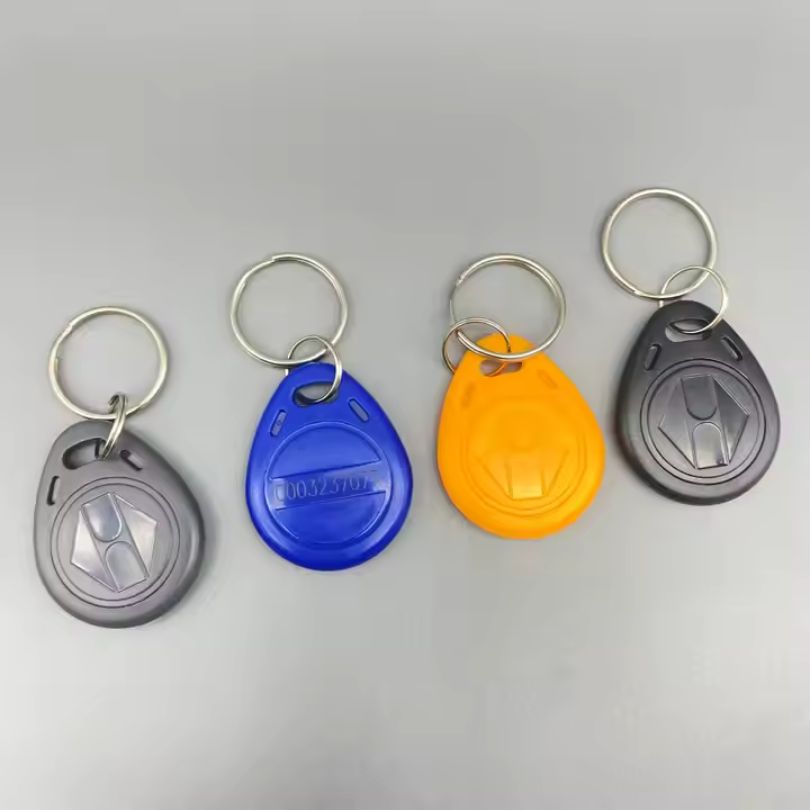
Programming an RFID tag means writing data onto the chip inside the tag so that it can identify an item or store useful information. This is different from just reading a tag.
RFID programming lets you:
- Assign a unique ID to each asset
- Store product or maintenance data
- Update status information
- Secure or lock the tag to prevent changes
When a reader sends radio waves, the tag’s antenna receives energy and returns its stored data to the reader.
What Data Can Be Stored on an RFID Tag?
Most RFID tags can store:
- EPC (Electronic Product Code): the main item ID
- User memory (optional): extra information such as batch, date, or service history
- Access password (security)
- Kill password (disabled permanently)
The exact amount of memory depends on the chip model and tag type.
Understanding RFID Tag Types Before Programming
Not all RFID tags can be programmed the same way. Before you start, identify the type of tag you are using:
| Type | Frequency | Read Range | Reprogrammable? | Common Use Cases |
|---|
| LF (125–134 kHz) | Short | Few cm | Limited | Animal ID, access control |
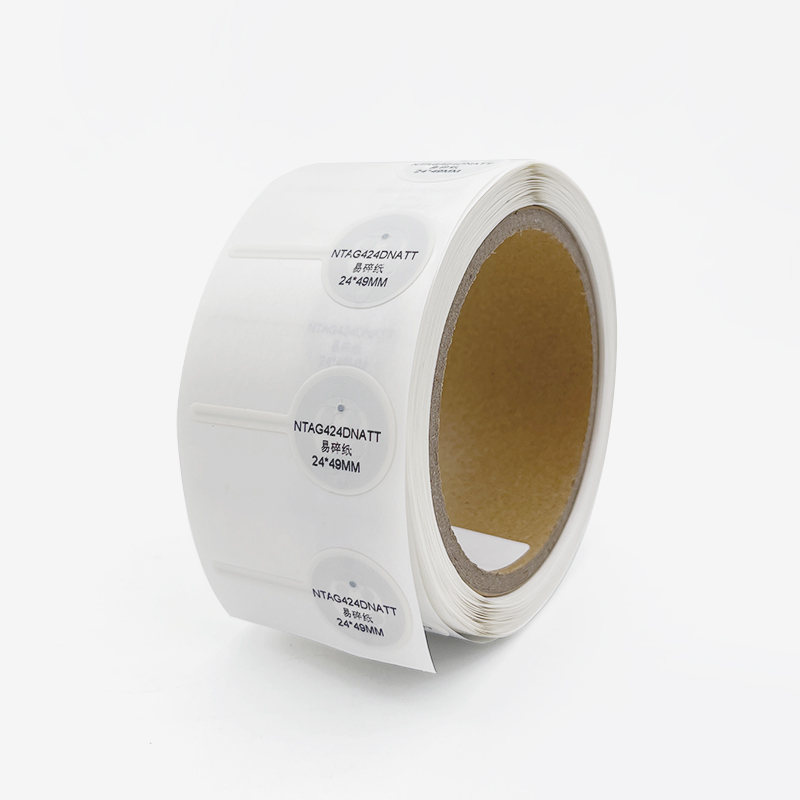
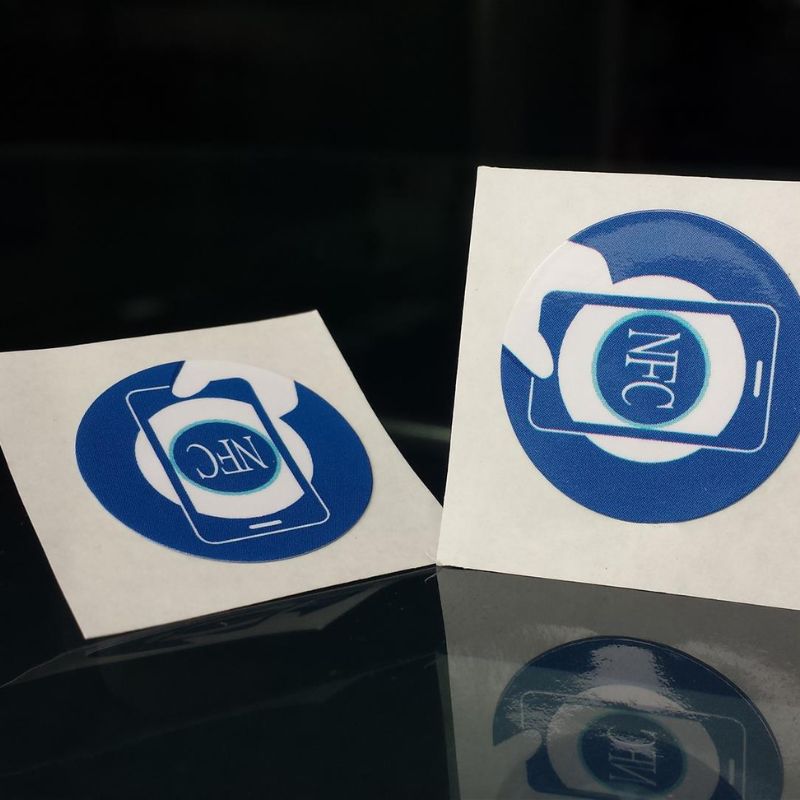
| HF (13.56 MHz / NFC) | Short | 1–10 cm | Yes | Smart cards, NFC phones |
| UHF (860–960 MHz) | Long | 1–10 meters | Yes | Logistics, pallets, laundry |
| Active RFID | Varies | >100 meters | Yes | Vehicles, mining, tracking |
| Semi-Passive | Medium | Medium | Yes | Temperature/sensor tracking |
Key Point:
UHF and HF/NFC tags are the most common tags used for programming in industrial and commercial projects.
How Many Times Can RFID Tags Be Rewritten?
Based on hardware memory technology:
| Tag Category | Rewrite Cycles | Notes |
|---|
| Read-Only | 0 | Written at factory |
| Write-Once | 1 | Data permanently locked after writing |
| Rewritable (LF/HF) | ~100,000 cycles | Suitable for repeated updates |
| Rewritable (UHF) | ~10,000 cycles | Depends on chip brand and temperature |
The lifespan decreases if the tag is exposed to high heat, vibration, or chemical environments.
How to Choose the Right RFID Tag Before Programming
Choosing the wrong tag is the most common cause of programming failure.
I suggest checking:
- Frequency: LF, HF/NFC, UHF
- Environment: metal surface, water, chemical exposure, heat
- Memory size: user memory required or EPC only
- Form factor: label, hard tag, laundry tag, cable tie, embedded tag
- Mounting position: packaging, asset body, inside equipment
Example:
- Laundry tags need high-temperature durability and waterproofing.
- Cable tie tags must be tough and tamper-proof.
- Pallet tags require a long read range and stable mounting.
What Equipment Do You Need to Program RFID Tags?
Basic tools
- RFID reader/writer
- RFID programming software
- A computer or moa bile phone
- The RFID tag is to be programmed
Industrial tools
If you are encoding at scale or in automation lines:
- Fixed industrial reader
- External antennas
- RFID middleware, PLC, or ERP/MES connections
Example software solutions:
- Zebra 123RFID
- Impinj Speedway Connect
- ThingMagic URA
- NXP TagWriter (for NFC)
- RFID Explorer
How to Program RFID Tags Step by Step
This is the general programming workflow used in most industries.
Step 1 — Set Up the RFID Reader
Connect the reader to your computer through:
- USB
- Ethernet
- Serial
- Bluetooth or Wi-Fi (mobile devices)
Open the programming software and make sure the device is connected.
Step 2 — Place the RFID Tag Correctly
Place the tag flat on the antenna area.
Do not stack two tags together, or the reader may fail to detect the correct one.
Tips:
- Keep metal away during programming
- Maintain correct orientation
- Stay within a read distance range
Step 3 — Read Existing Data
Place the tag flat on the antenna area.
Do not stack two tags together, or the reader may fail to detect the correct one.
Tips:
- Keep metal away during programming
- Maintain correct orientation
- Stay within a read distance range
Step 4 — Enter New Data to Write
You can program:
- Asset ID numbers
- Product batch and date codes
- Custom data fields
- URLs (for NFC)
- Maintenance or inspection status
Step 5 — Write Data to the Tag
Click Write or Program in the software.
After writing, verify the data by reading the tag again.
Some tags allow:
- Writing to EPC memory
- Writing to user memory
- Writing passwords
Step 6 — Lock or Password-Protect the Tag (Optional)
Use security settings if needed:
- Lock EPC to prevent rewriting
- Lock User Memory after final update
- Set a password for access
- Kill command (destroy functionality permanently)
Good for logistics, retail, and anti-tampering use.
Step 7 — Test the Tag in a Real System
After programming:
- Scan using different readers
- Check read range and orientation
- Verify software integration
This step prevents shipment or workflow failures.
Programming RFID Tags in Industrial Environments
Real-world programming differs from individual manual writing.
Typical industrial workflow:
- Choose the correct tag
- Configure the reader and antennas
- Connect to software systems (ERP/WMS/MES)
- Define encoding format (EPC schema or custom)
- Write data (single or batch)
- Verify and log results
- Mount tag
- Exchange data with enterprise systems
Batch encoding enables programming hundreds of tags per minute on conveyor lines.
Understanding UHF RFID Memory Structure
Most UHF Gen2 tags have 4 memory banks:
| Memory Bank | Function |
|---|
| Reserved Memory | Access and kill passwords |
| EPC (Bank 01) | Electronic Product Code (main ID) |
| TID (Bank 10) | Factory fixed serial number |
| User Memory (optional) | Application-specific data |
Example:
Programming NFC Tags With a Phone
Programming NFC tags is easy using a smartphone.
Android
- Can write most NFC tag types
- Supports apps like NFC Tools, TagWriter, Smart NFC
- Can lock and rewrite tags
iPhone - Can write NFC tags only with certain apps
- Limited support for locking and advanced memory
- No tag emulation
| Feature | Android | iPhone |
|---|
| Write NFC tags | Yes | Yes, limited |
| Lock tags | Yes | Limited |
| Rewrite tags | Yes | Yes |
| App automation | Tasker, NFC Tools | Shortcuts (native) |
Common Mistakes When Programming RFID Tags
| Problem | Cause | Solution |
|---|
| Tag not found | Wrong orientation or distance | Move tag closer |
| Write failure | Memory locked | Use a new tag |
| Wrong data | Selected wrong memory bank | Verify before writing |
| Short read range | Metal interference | Use on-metal tags |
| Software error | Incompatible system | Update driver or firmware |
Troubleshooting Checklist
- Use only one tag on the antenna at a time.
- Check the frequency: LF / HF / UHF mismatch is common.
- Check the reader’s power level.
- Test the tag after writing.
- Log ID numbers for tracking.
How RFID Programming Helps Businesses
Programming RFID tags improves:
- Inventory accuracy
- Automated tracking
- Asset control and accountability
- Labor efficiency
- Security and compliance
- Real-time visibility in the supply chain
Industries that benefit most:
- Industrial laundry & hospitals
- Warehouse and logistics operations
- Tool and equipment tracking
- Forestry and agriculture
- Retail and manufacturing
Frequently Asked Questions (FAQ)
Conclusion
Programming RFID tags is not complicated when you understand the basics and use the right tools.
The process is simple:
1.Identify the tag type
2.Set up the reader
3.Read existing memory
4.Write new data
5.Verify and test
6.Secure the tag if needed
With the right tags and workflow, RFID can transform how you manage assets, track movement, and improve efficiency across operations.
If you need help choosing RFID tags or programming equipment, feel free to contact me.
📩 [email protected]
Comments