
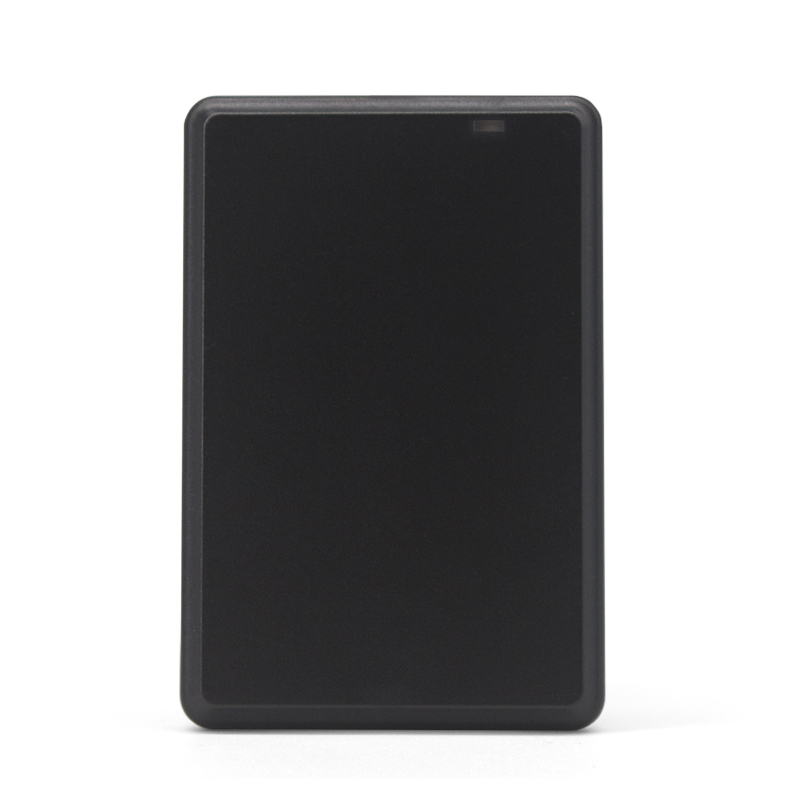
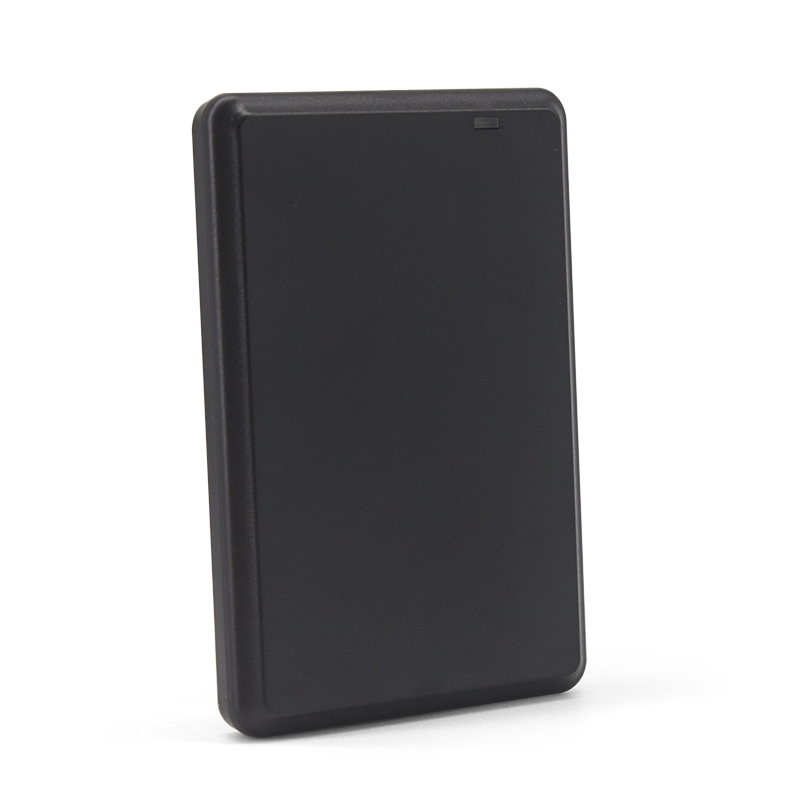
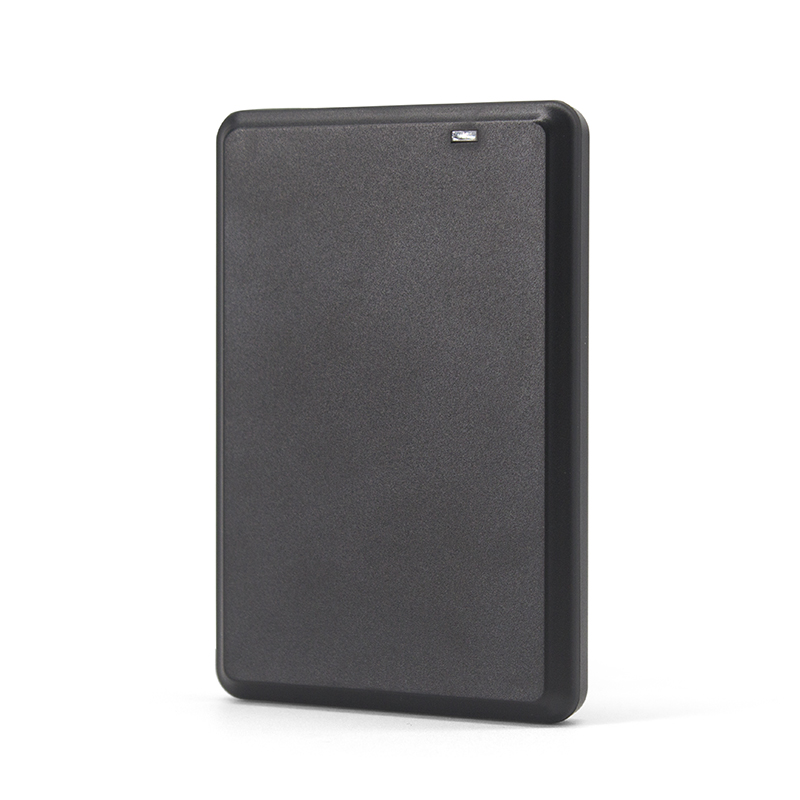
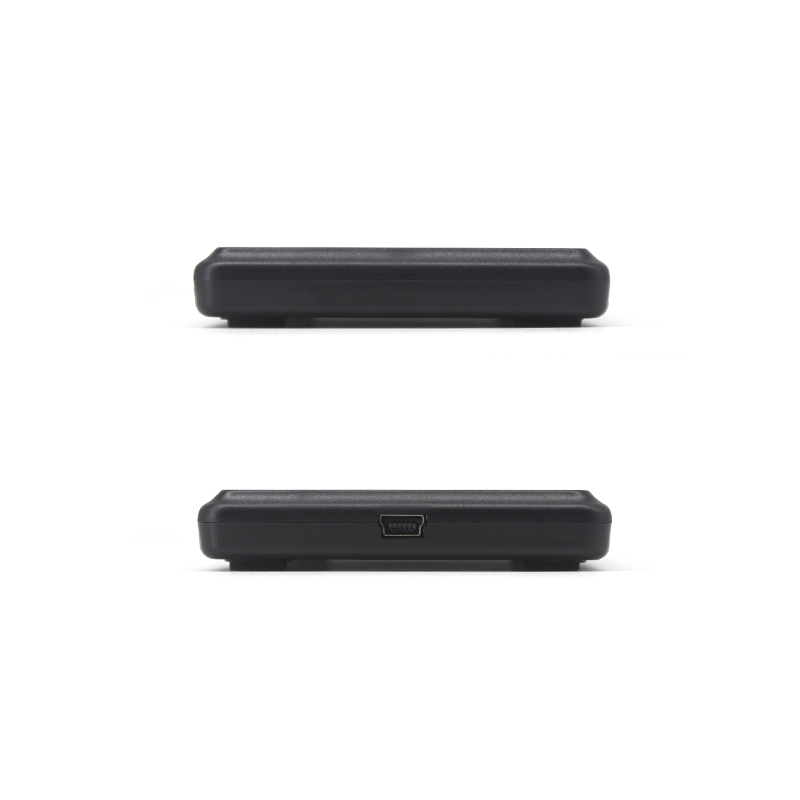
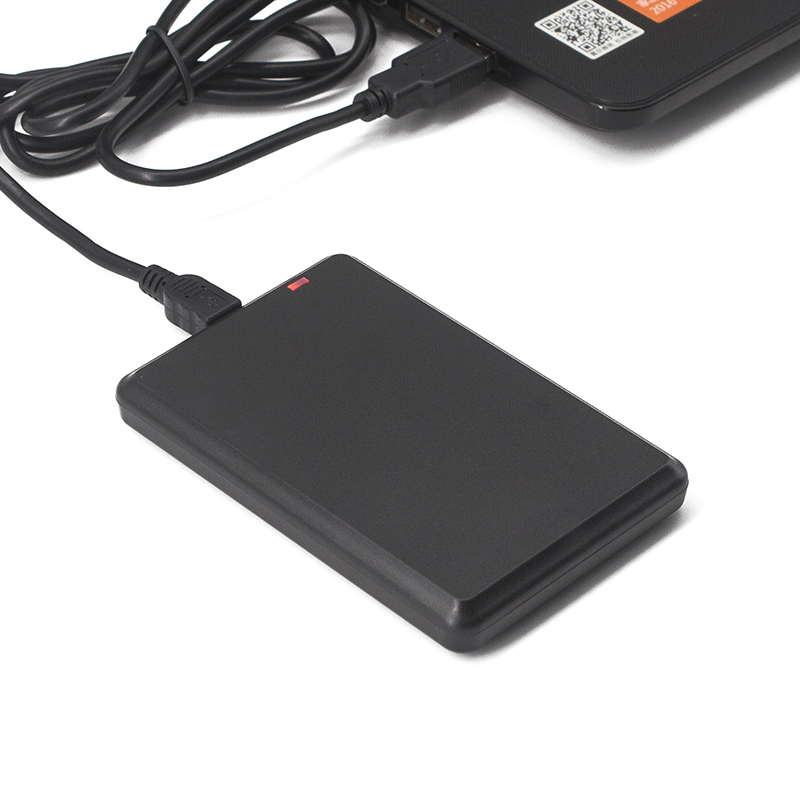

13.56 MHz RFID Reader for ISO 14443A Cards
USB RFID Card Reader with Driver-Free Data Output
This 13.56 MHz RFID reader is designed for reading card numbers from ISO 14443A compatible cards and tags, including MIFARE S50, S70 and NTAG203.
The reader connects directly to a computer or compatible host through USB without requiring a separate driver. When a card is presented, the card number can be sent directly to an active input field such as Notepad, Word or Excel.
The default output is a 10-digit decimal card number, while customized output formats are available for projects that require a different data format.
Reading distance is up to 100 mm, depending on the card type and operating environment
Technical Specifications
| Parameter | Specification |
| Frequency | 13.56 MHz |
| Supported Cards | MIFARE S50 / S70, NTAG203 and other ISO 14443A compatible cards |
| Interface | USB |
| Default Output Format | 10-digit decimal |
| Custom Output Format | Available |
| Read Distance | 0–100 mm, depending on card and environment |
| Read Time | <200 ms |
| Read Interval | <0.5 s |
| Power Supply | DC 5V via USB |
| Indicators | Red / Green LED and buzzer |
| Dimensions | 104 × 68 × 10 mm |
| Weight | Approx. 140 g |
| Cable Length | 1400 mm |
| Housing Material | ABS |
| Color | Black |
| Operating Temperature | -10°C to +70°C |
| Storage Temperature | -20°C to +80°C |
| Working Humidity | <90% |
| Operating Systems | Windows XP / CE / 7 / 10, Linux, Vista, Android |
Simple USB Card Reading Workflow
The reader is designed for applications where the card number needs to be entered directly into existing software.
- Connect the reader
Connect the reader to the host device through USB. The buzzer sounds during self-check and the red LED indicates standby mode. - Open the required software
Open Notepad, Word, Excel or another compatible application with an active text input field. - Present the RFID card
Place the ISO 14443A card or tag above the reader. - Capture the card number
The card number is automatically output to the active field. The LED changes from red to green when the card is read successfully.
This workflow allows card IDs to be collected without requiring operators to manually enter the number.
Typical Applications
- Card Enrollment & Registration
For capturing RFID card numbers during employee, visitor, membership or user registration. - Personnel Identification
Can be used with software systems that identify users through ISO 14443A card numbers. - Access Control Data Entry
Useful for registering cards into access-control databases or management software. - Parking & Membership Management
Suitable for desktop card enrollment where RFID card IDs need to be recorded before cards are issued or activated.
Setting Up USB Card Enrollment or Identification?
Share your card chip type, required output format and operating system.
These details help confirm card compatibility and whether the standard 10-digit decimal output or a customized format is more suitable for your software.
Frequently Asked Question
The top questions about 13.56 mhz rfid reader
It supports compatible ISO 14443A cards and tags, including MIFARE S50, MIFARE S70 and NTAG203.
The supplied specification describes the reader as driver-free and designed for direct USB connection.
The card number can be sent directly to an active text field such as Notepad, Word or Excel. The default format is 10-digit decimal.
Yes. The output format can be customized according to project requirements.
The specified operating distance is 0–100 mm. Actual range depends on the RFID card or tag and the surrounding environment.
The specification lists support for Windows XP, Windows CE, Windows 7, Windows 10, Linux, Vista and Android.
Related Products
Customize any type of RFID tags from our factory to meet your requirements.